
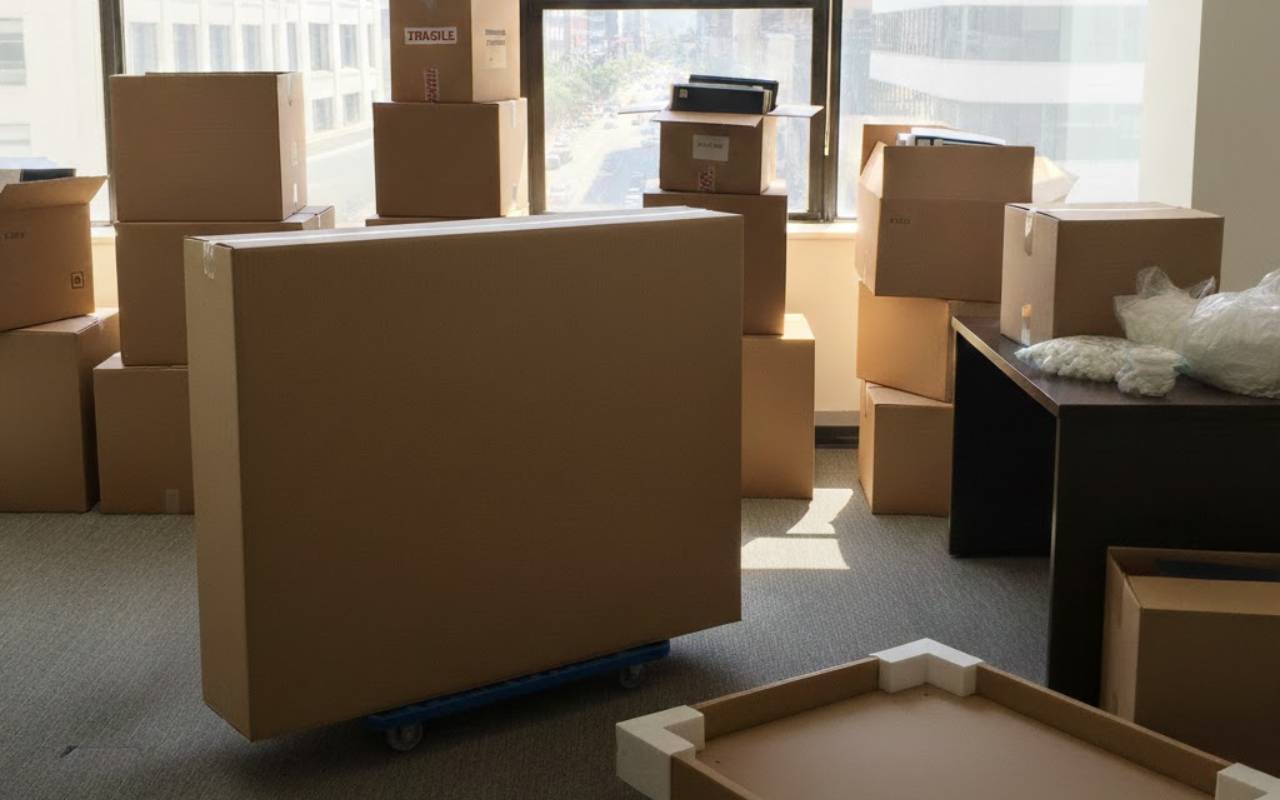
Protect Electronics When Moving becomes even more important when rain and cold enter the picture. Moving TVs, computers, and gaming consoles in bad weather can feel stressful. Water, humidity, and low temperatures can damage screens and internal parts. With the right steps, you can greatly lower risks and keep your favorite devices safe.
Without good planning, one wet box or sudden chill can turn a simple move into a costly problem. Imagine arriving in your new home and finding that your TV or console will not turn on. This guide explains how to pack, move, and unpack electronics so they work as expected.
Why Protecting Electronics During Transportation Matters
Modern TVs, desktop PCs, and gaming consoles contain delicate parts that do not like shocks, vibration, or sharp temperature changes. A small hit or hard bump in the truck can loosen cables or damage circuit boards. Cold air and moisture can also slowly weaken parts, even when you see no cracks outside.
Taking time to Protect Electronics When Moving saves you from repairs, data loss, and sudden failures days or weeks later. To reduce risk, focus on three things: careful packing, gentle handling, and stable conditions during the ride.
- Keep internal parts aligned and secure.
- Prevent sudden shutdowns, glitches, or data loss.
- Enjoy peace of mind during and after the move.
Understanding the Risks of Rain and Cold on Electronics
Exposing electronic devices to rain can let moisture slip into vents, sockets, and circuit boards. Even a few drops can cause short circuits or corrosion over time, turning your TV or PC into an expensive paperweight. Cold weather brings other problems, such as brittle screens and slower battery performance.
When water touches electronics, it creates paths for electricity to travel where it should not. In freezing weather, tiny ice crystals may expand inside fragile parts and cause cracks. Understanding these risks helps you plan how to keep devices dry and at a safe temperature so they stay reliable.
Preparing Electronics for Transport: Testing and Securing
Before you pack anything, turn on each device to confirm it works correctly. Note any existing issues so they are easier to spot later. Back up important data in case something goes wrong during the move. When you reach your new place, remember to test on arrival again and compare the results.
Next, secure moving parts. Use tape or foam padding to keep hard drives from shaking inside computer cases. Remove discs from drives or lock trays in DVD players and consoles. These small steps greatly reduce internal damage from bumps and vibrations and help your electronics work well after unpacking.
Choosing the Right Packaging Materials: TV Boxes and Anti-Static Sleeves
Selecting the right packing materials is the base of a safe move. TV boxes that match specific screen sizes offer foam inserts that hold the screen in place. When you slide your television into its box, fill empty gaps with foam or bubble wrap so it cannot move or tilt during transport.
For computers and consoles, anti-static sleeves protect delicate chips and circuit boards from static electricity. These sleeves are light, affordable, and simple to slip over parts such as motherboards or graphic cards. Sturdy cardboard or plastic cases keep external accessories safe while you focus on bigger items.
- Use TV boxes sized to your screens.
- Cover key parts with anti-static sleeves.
- Pack remotes, cables, and small gadgets in padded pouches.
Label each box clearly with its contents and mark it “Fragile” to guide movers. For complex setups or very large TVs, consider hiring professional moving services that understand how to handle sensitive electronics with extra care.
Tips for Safely Transporting Electronics in Rainy Weather
Keep gadgets dry by wrapping them in waterproof covers or plastic sheeting before placing them in boxes. If you load electronics onto a moving truck, cover them with a tarp and place them away from doors or open windows. In heavy rain, carry boxes by hand quickly instead of leaving them exposed.
Inside the moving truck, lift boxes off the floor to avoid leaks or puddles. Place moisture-absorbing packets inside each box for added protection. Always maintain upright transport by stacking electronics on stable surfaces and using straps to stop them from tipping. These simple steps limit rain-related damage.
- Wrap each device in plastic or waterproof covers.
- Keep boxes off the truck floor and away from doors.
- Use straps to support upright transport and prevent slides.
Tips for Safely Transporting Electronics in Cold Weather
In freezing temperatures, avoid sudden changes between cold outdoor air and a warm room. These jumps can cause condensation inside your devices. Bring electronics indoors and let them rest for a few hours before unboxing. Keep them wrapped in blankets or foam sheets while they slowly reach room temperature.
During transit, try to keep conditions steady. Use a climate-controlled vehicle when possible. If you use your own car, keep the heat at a moderate level and circulate air to avoid fogged windows. Place electronics away from direct cold drafts, such as open windows or strong air vents.
Using Dehumidifiers to Protect Electronics when moving from Moisture
Even after careful packing, moisture trapped inside boxes can still cause corrosion or mold. Placing small dehumidifiers or moisture-absorbing packets in each box keeps humidity low. Silica gel packs are simple to use and easy to buy in bulk. Tuck them around your devices and replace them once they feel full.
If you must store electronics before or during the move, place a compact dehumidifier in the storage area. It will pull extra moisture from the air and create a drier space. Combining dehumidifiers with airtight packing is an effective way to Protect Electronics When Moving in humid climates or rainy seasons.
Unpacking Electronics Safely: Post-Transportation Checks
When you reach your new home, take time to unpack each item slowly. Remove protective layers like bubble wrap and anti-static sleeves. Look for signs of moisture, dents, or loose parts. Reconnect cables one at a time and make sure each port is clean before you plug anything in.
This is the perfect moment to test on arrival. Power on each device, watch for unusual sounds, and confirm that everything works smoothly. If something seems wrong, check connections, let the device warm up if it is cold, and follow basic troubleshooting steps before you request repair or replacement.
Frequently Asked Questions
How early should I start preparing my electronics for a move?
Begin preparing your electronics at least a few days before moving day. This gives you time to back up data, test each device, gather TV boxes and anti-static sleeves, and disconnect everything calmly. Early preparation reduces stress and lowers the chance of missing cables or leaving parts loosely packed.
Do I really need special TV boxes for short moves?
Even for short trips, TV boxes offer strong protection for flat screens. Regular boxes often do not support the screen properly or prevent shifting. Custom TV boxes with foam inserts keep the screen stable, guard corners, and reduce pressure on the glass, which helps avoid cracks and hidden damage.
Why is upright transport so important for TVs and PCs?
Upright transport keeps weight where designers expect it. When screens or towers lie flat, heavy parts can press on fragile areas. Standing items upright, and strapping them securely, prevents twisting and bending. This position also lowers the risk of liquids or condensation pooling in sensitive spots inside the device.
How many moisture absorbers or dehumidifiers should I use?
Use at least one moisture-absorbing packet in every box that holds electronics, and more for large boxes or very humid days. For storage spaces, choose a small plug-in dehumidifier sized to the room. Check indicators regularly and replace or empty the unit so it keeps working during the entire move.
What should I do first if a device will not turn on after the move?
If a device will not start, unplug it and check all connections and power sources. Look for signs of moisture and give it extra time to dry and warm up. If problems continue, follow the maker’s troubleshooting guide or contact a trusted technician instead of forcing the device to power on.
Ensuring the Longevity of Your Electronics
Careful planning protects your devices and lowers the chance of damage during every stage of the move. From sturdy TV boxes and anti-static sleeves to dehumidifiers and upright transport, each step helps keep your gear safe. When you Protect Electronics When Moving and test on arrival, you catch small issues early.
Whether you move across town or place devices in storage, these simple habits make a real difference. With a bit of preparation and the right tools, you can protect your valuable electronics and enjoy your new space without costly surprises. If you need expert help, you can contact our moving specialists for support with sensitive items.